Splat Player · Insta360 Spatial Capture on Vision Pro
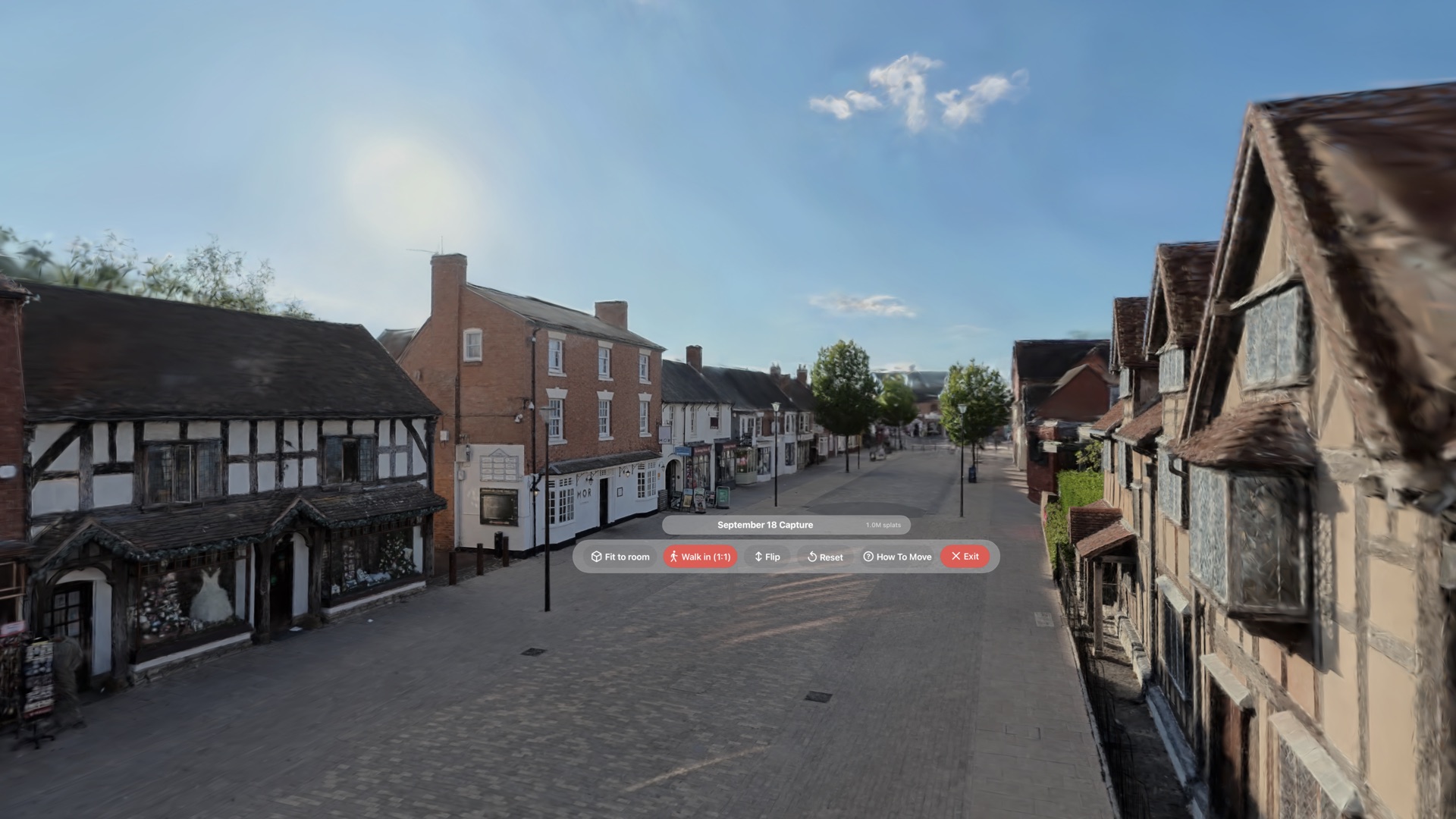
Splat Player is a new, free part of Spatial Film, and the simplest way to view an Insta360 Spatial Capture on Apple Vision Pro. Copy the share link from the Insta360 app, paste it, and the whole 3D Gaussian splatting downloads and opens around you at the size it actually is. No export, no conversion, no computer. It also opens any Gaussian splat .ply.
Two ways in
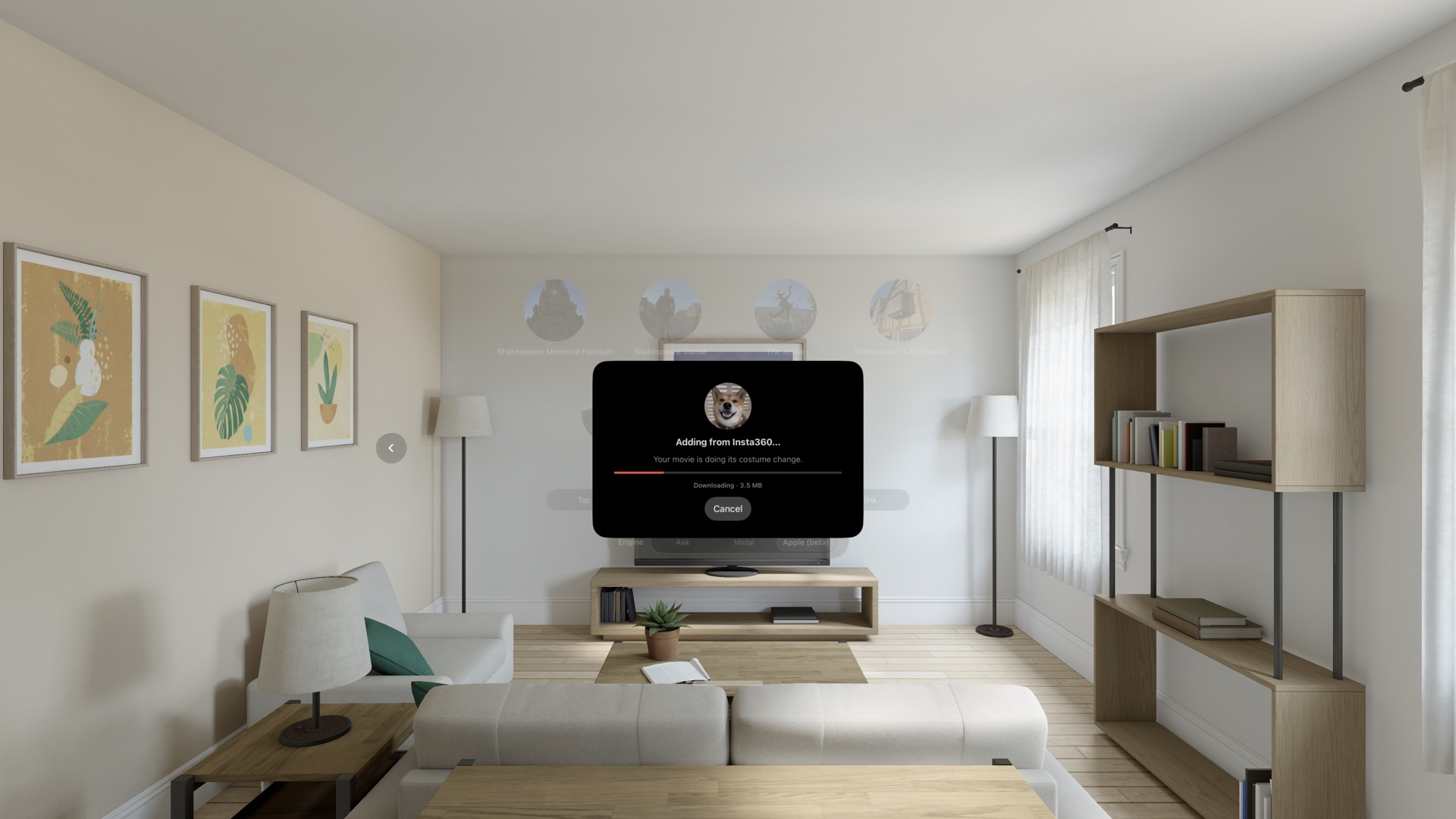
An Insta360 X6 Gaussian splat gets from the phone to the headset in one paste. No export, no conversion, no computer, nothing to convert. Copy the link in the Insta360 app, paste it in Spatial Film Splat Player, and the whole one-million-splat scan downloads and opens inside Apple Vision Pro.
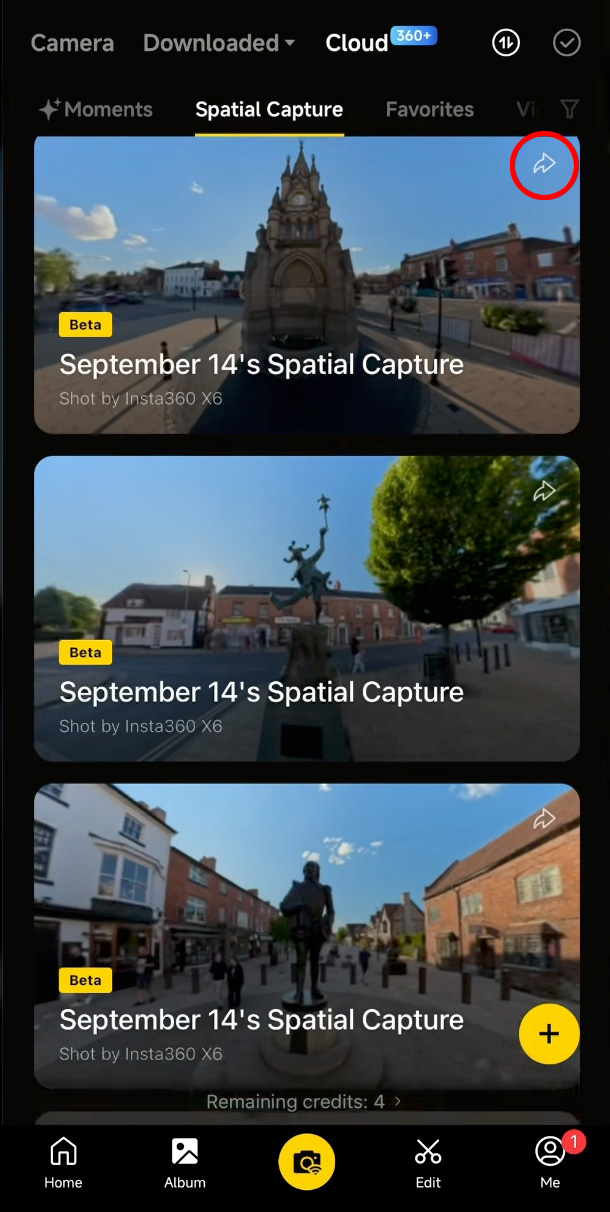
Album → Spatial Capture → Share → Copy Link. Only public captures can be added.
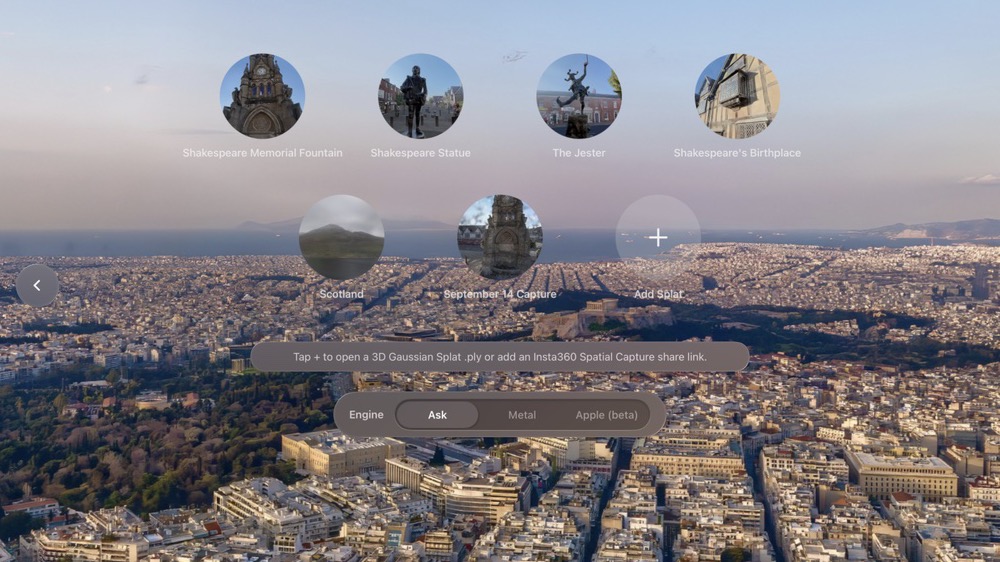
In Spatial Film on Vision Pro, go to Splat Player, tap the + tile and choose Add from Link.
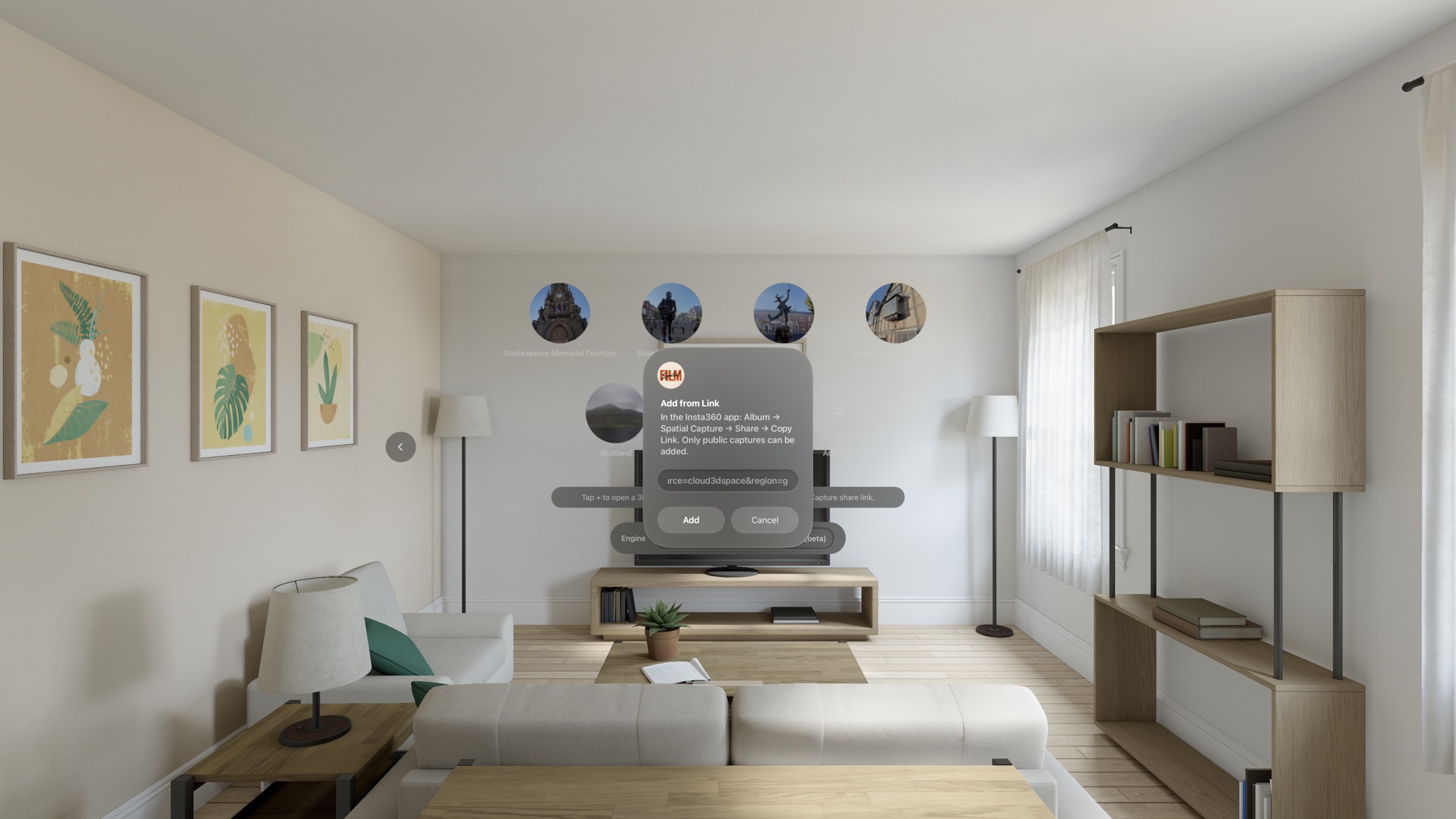
Nothing to export, nothing to convert on a computer, no file to move. The share link is enough.
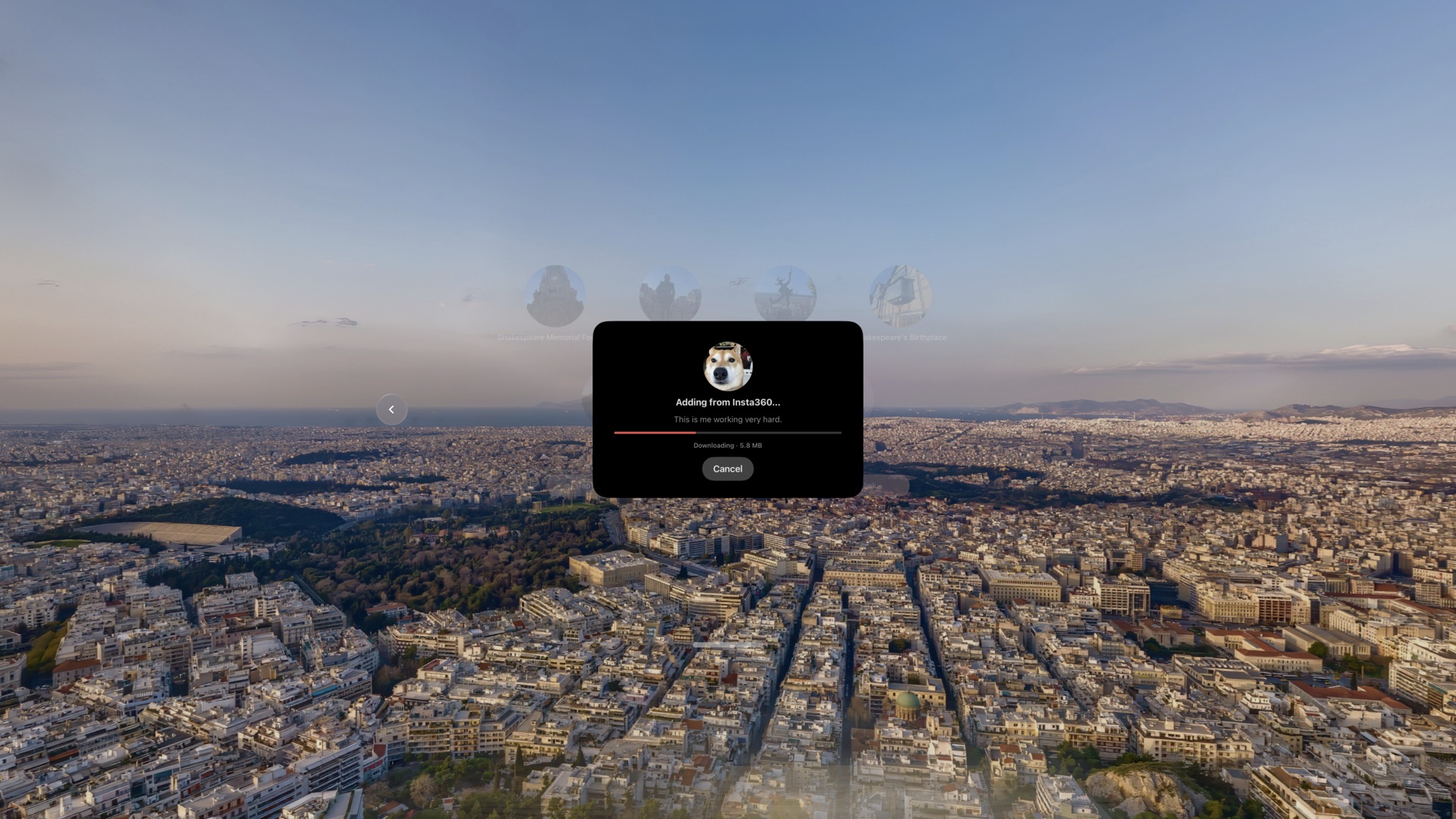
The whole one-million-splat scan, open in a second, in 1:1 world scale.
What is Insta360 Spatial Capture? It's the Insta360 app's cloud service that turns a walk-around video from an Insta360 X6, X5 or X4 Air into a 3D Gaussian splat scene, and gives you a link to share it. Until now that link opened a web viewer on a phone or a laptop screen. Splat Player is the same link, opened as a place you stand in: an Insta360 3D scan on Vision Pro, at the size it was captured.
Any 3D Gaussian Splat .ply, whatever made it. Splat Player is a 3DGS .ply viewer for Vision Pro too.
Tap the + tile and choose Open from Files. Anything in the Files app on the headset is fair game, and the fastest way to get a file there is to AirDrop it from your Mac and open it straight from the drop. On the Metal engine the whole file plays; on Apple (beta) it needs to be 400,000 splats or fewer.
Nothing to open yet? Five scans come with the app: Shakespeare Memorial Fountain, Shakespeare Statue, The Jester and Shakespeare's Birthplace in Stratford-upon-Avon, and one in Scotland.
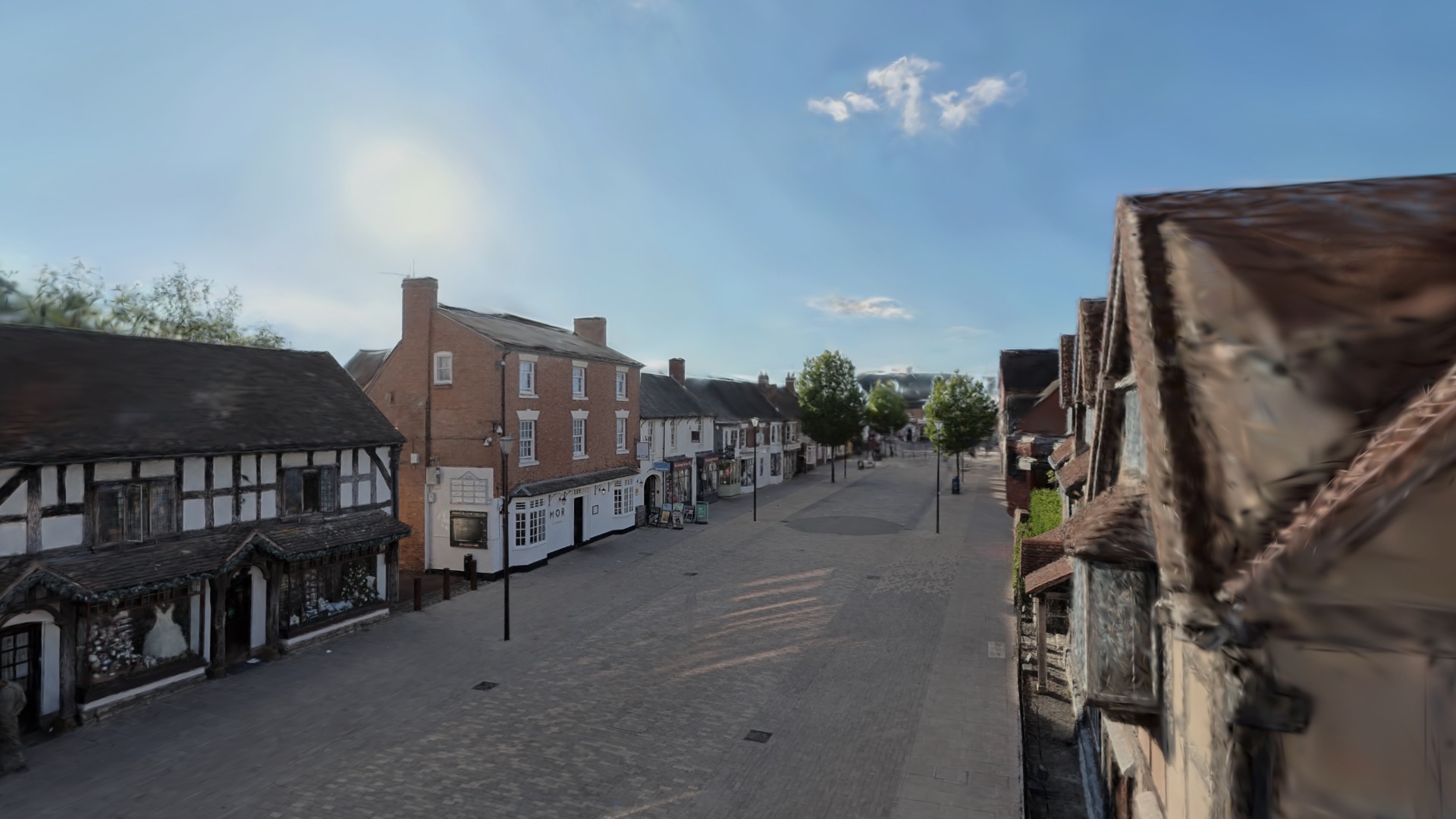
Inside the splat
This is what makes Splat Player a Gaussian splat viewer for visionOS rather than a model viewer: you walk into a large 3D scan. The scale is 1:1, so a doorway is a doorway. And the walls are walls: collision keeps you from drifting through the front of Shakespeare's Birthplace by accident.


Two engines
Every time you open a scene, Splat Player asks which renderer to use. Metal does the heavy lifting today. Apple (beta) is the renderer Apple shipped in visionOS 27, and we wanted you to be able to compare them on the same scan.
Open-source engine.
Apple's visionOS 27 splat renderer, in the same picker.

How you move
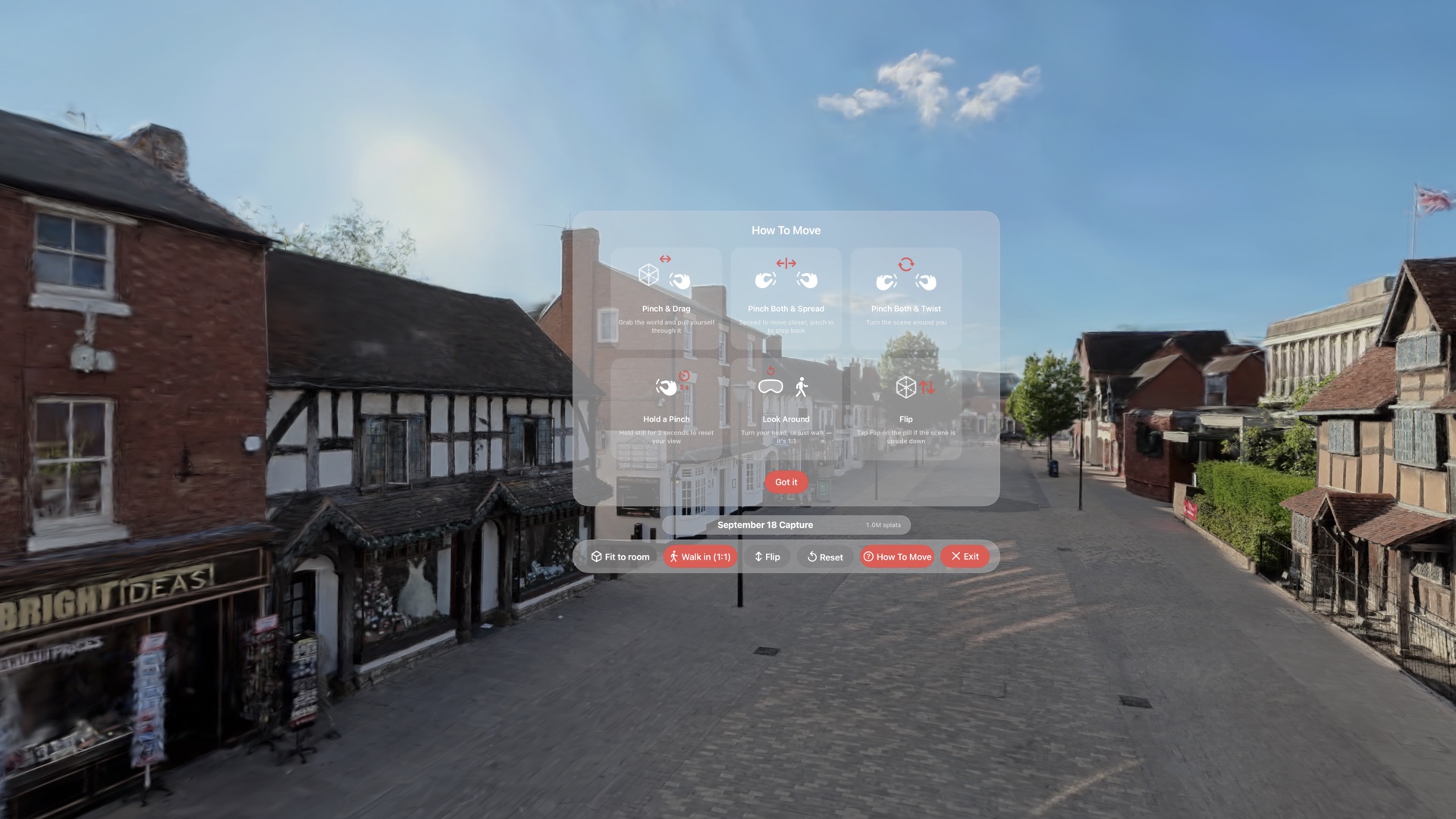
The scene is 1:1, so the simplest way to cross the street is to cross the street. When the room runs out, your hands take over.
Grab the world and pull yourself through it. Let go and it stays where you left it.
Spread your hands to move closer. Pinch in to step back.
Turn the scene around you, so you can face the far end of the street without turning your chair.
Hold still for two seconds and your view resets to where the scene started.
Turn your head. Walk to the corner. It's 1:1, so your legs work exactly as they do outside.
Some scans arrive upside down. Tap Flip on the control and the sky goes back where it belongs.
Specs
Apple Vision ProvisionOS 26 or later. The Apple (beta) engine needs visionOS 27.
3D Gaussian Splat .plyInsta360 Spatial Capture share links from the X6, X5 and X4 Air. Public captures only.
FreeNo subscription. Included in the Spatial Film app.
Up to 1M splats on MetalUp to 400,000 per file on Apple (beta).
Questions
In the Insta360 app: Album, Spatial Capture, Share, Copy Link. On Vision Pro: open the free Spatial Film app, go to Splat Player, tap the + tile, choose Add from Link, paste, tap Add. The whole one-million-splat scan downloads (about 16 MB) and opens, and you walk into it at 1:1. The capture has to be public.
No. No export, no conversion, no computer. The Insta360 Spatial Capture share link is enough: Splat Player downloads the scan from the link and plays it directly, at the full one million splats on the Metal engine or Apple (beta).
The Insta360 X6, X5 and X4 Air, which are the cameras Insta360 Spatial Capture supports. Any public Spatial Capture from one of them can be added by its share link.
Yes. Any 3D Gaussian Splat .ply, whatever made it. Save it to the Files app on the headset or AirDrop it over, then tap the + tile and choose Open from Files. On Metal the whole file plays; on Apple (beta) it needs to be 400,000 splats or fewer.
Yes. Splat Player is included in the free Spatial Film app, with five featured scans built in. The app's film catalog subscription is a separate thing and isn't required for any of this.
Yes. The Metal engine, the Insta360 Spatial Capture link import, local .ply files and the five featured scans all work on visionOS 26. Only the Apple (beta) engine needs visionOS 27, because it uses Apple's renderer, which arrived with that release.
Metal, most of the time. Apple (beta) is Apple's own renderer in visionOS 27. It is powerful but still in beta. Apple needs to fix a couple of bugs on Apple Vision Pro before we can make it rock solid and super high quality.
One link, or one file. Then the place is standing around you.
Get Spatial Film on the App Store